OneSpace on every screen you own.
Install the app on each device. One licence activates them all. Get the apps from the official stores below; your licence key from the purchase email unlocks everything.




Windows
Desktop app from the Microsoft Store: the new badge, the same private line.
macOS
Native Mac app, a separate build made for the desk where files live.
iOS
iPhone & iPad. Send from your pocket, receive anywhere.
Android
The full product on Google Play, phones and tablets alike.
Three steps, all your devices.
Install the apps
Grab OneSpace from the official store on each device you own: Windows, macOS, iOS, Android.
Enter your licence key
It’s in your purchase email, delivered instantly after checkout. One key covers every platform.
Devices link up
Your devices find each other and open the private line. Transfer and sync, peer-to-peer.
Set up in minutes, private from the first file.
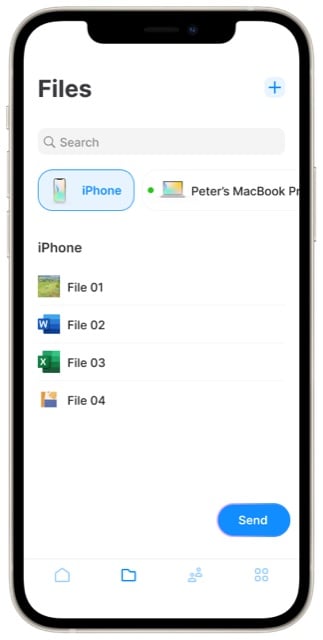
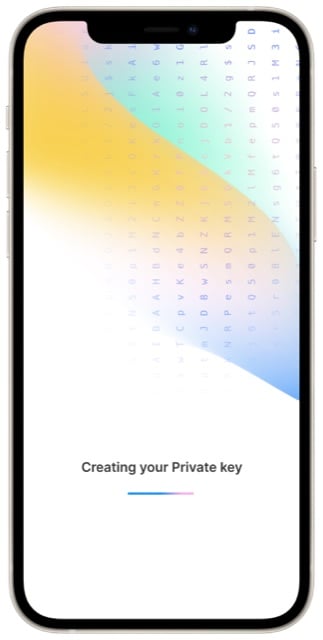
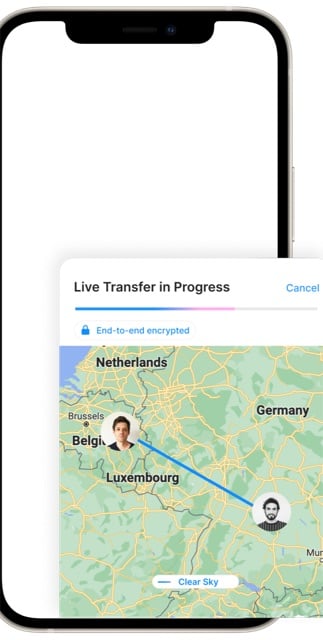
Pick your devices and contacts, create your private key on-device, and watch transfers take the direct route. The app walks you through all of it.
Questions during setup? The OneSpace Knowledge Center covers installation, activation and troubleshooting.
Try the free web demo first.
Send one encrypted file from your browser. No install, no account. It’s a taste of OneSpace; the full product goes device-to-device with no middleman at all.
Install & activation
Where do I find my licence key?
In the confirmation email you received right after checkout. Can’t find it? Check spam first, then reach us via the Knowledge Center and we’ll sort it out.
Does one licence really cover all platforms?
Yes: Windows, macOS, iOS and Android are all included. Install the app wherever you need it and activate with the same key.
Is the web demo the same as the apps?
No. The web demo is a taste: it encrypts one file in your browser and hands it over through our broker. The full apps go device-to-device with no middleman at all, plus sync, contacts and groups.
I’m stuck during setup. Where do I get help?
The OneSpace Knowledge Center covers the common cases, and [email protected] is there for everything else.
Install once per device. Private everywhere.
Get the apps above, or pick your licence first.
Get the apps